It's the one Kaizer feature that brings you new clients instead of managing the ones you already have. You publish your profile and you're in front of more than 10,000 people a month, between the public site and the directory inside the client app.
A published profile gets 2 new clients per month
That's the average observed among the trainers published in the Marketplace, not a promise for every profile.
You set the price
You choose your monthly fee from USD 30, 50, 70 and 90. The client subscribes and pays from the app, and that payment Kaizer does process.
You control when you accept
If you fill up, turn off Accept new clients and leave the profile visible: people keep finding you and you don't lose presence until you open your slots again.
Don't confuse it with Payments. Kaizer processes Marketplace subscriptions through Stripe; Payments only records what clients pay you outside the Marketplace.
Common questions
What is the Marketplace
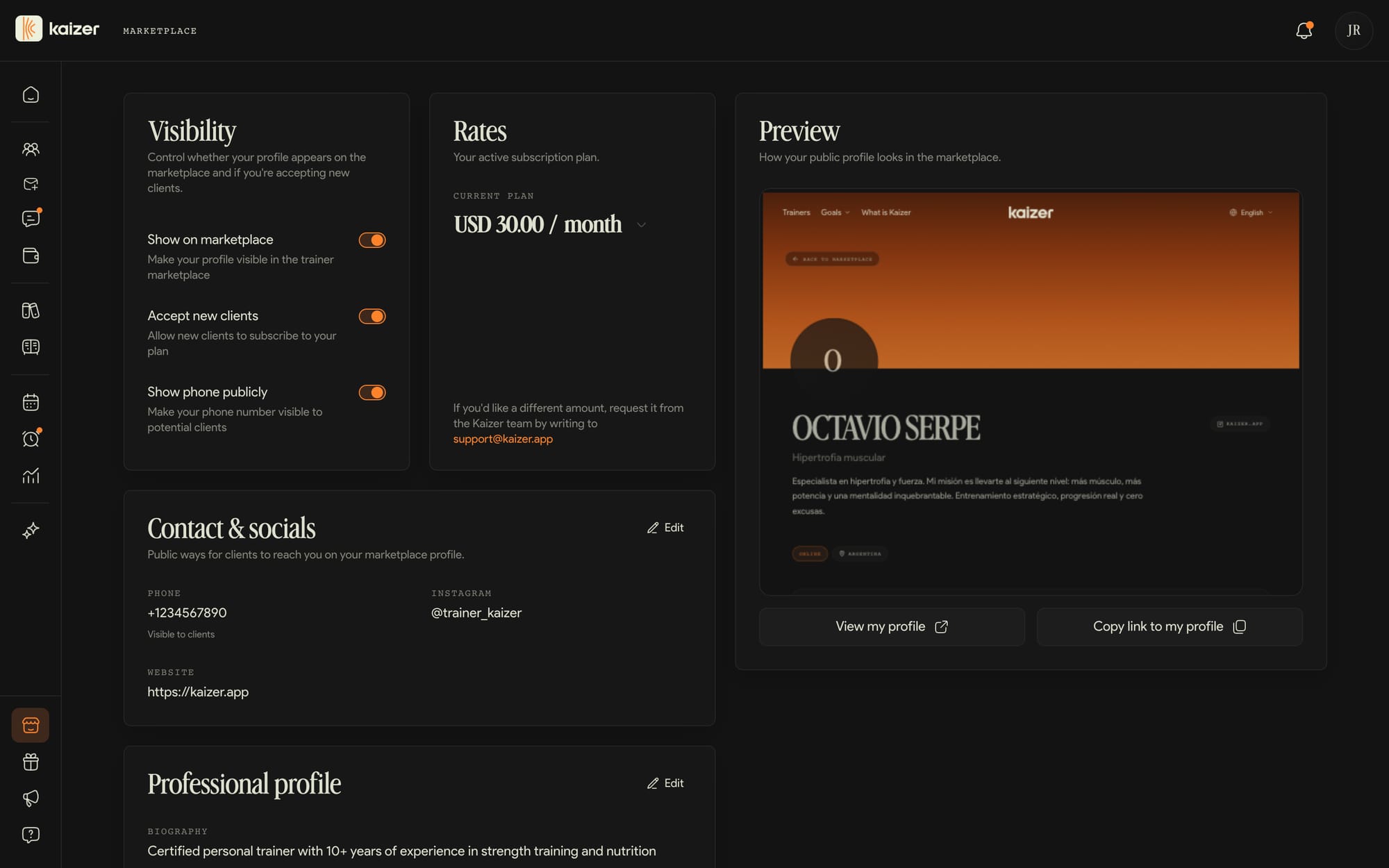
Complete the public information and review the profile before publishing. The Marketplace is the public showcase within Kaizer where future clients discover you. When your profile is visible, you appear in the app's directory: people find you, read your bio, and can subscribe to you.
Trainers with a published profile average 2 new clients per month. You do not need your own website: complete your profile, add a way to contact you, and keep your availability up to date.
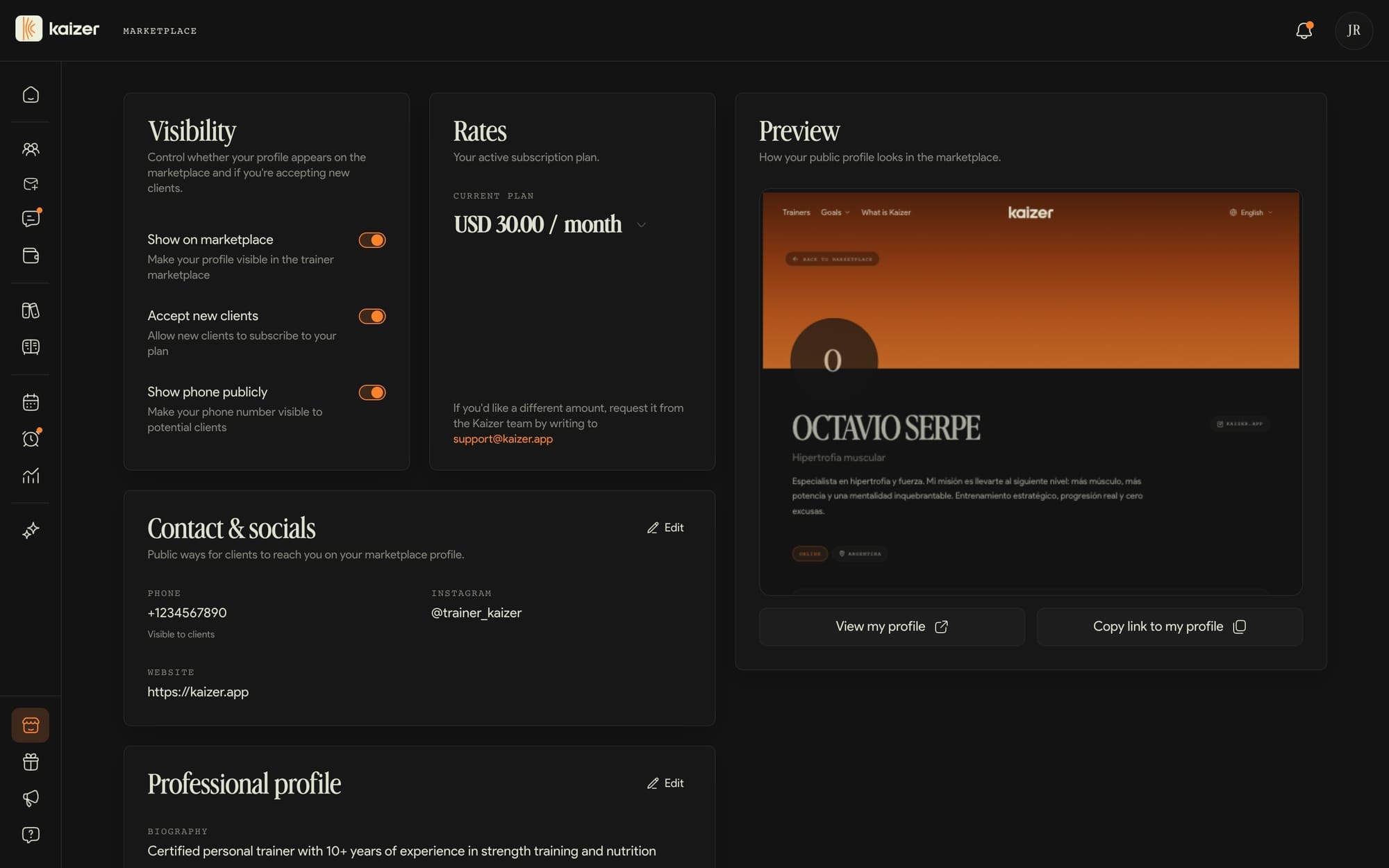
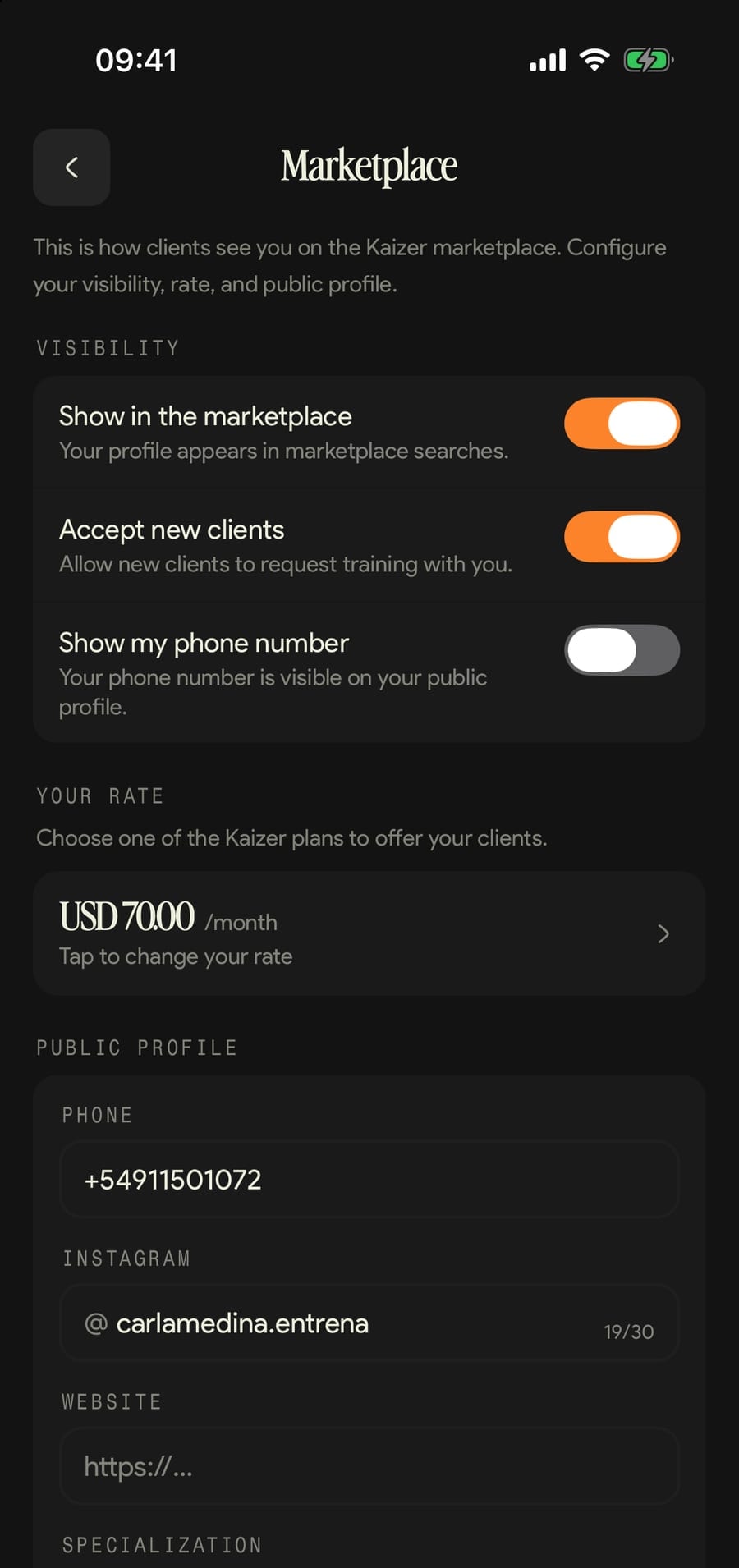
From the Marketplace you control your visibility with three switches: whether your card appears in the directory, whether you're accepting new clients, and whether you show your phone number.
If you're full or want to pause, turn off accepting new clients but keep your profile visible so people can still find you.
Your public profile
From Marketplace you build what new clients see: your bio, your specialization, the modalities you work in (online and/or in person), and your cover image.
You also set up your public contact details: phone number (if you enabled it), Instagram, and website.
The rest of your profile (your photo, your name, and so on) is edited in Settings → Profile. Marketplace changes stay as a draft until you tap Save.
Your rate and how you charge your clients
In Marketplace you choose your rate: it's a monthly subscription that the clients who find you there subscribe to. You select your price from the available values ($30, $50, $70, or $90 per month).
The client subscribes and pays from the app; the charge is processed through the integrated payment methods (card and others depending on the country). It's a recurring monthly charge, not a one-off per-session payment.
If you need a price different from the available ones, write to support and we'll look into it. And if a client pays you outside of Kaizer, in your Clients list they appear as externally managed.
It's the one Kaizer feature that brings you new clients instead of managing the ones you already have. You publish your profile and you're in front of more than 10,000 people a month, between the public site and the directory inside the client app.
A published profile gets 2 new clients per month
It's the average observed among trainers published on the Marketplace, not a promise for every profile.
You set it up from More, Marketplace
Your rate, your profile and your public plans. You need a paid Kaizer plan to get published.
You control when you accept
If you're full, turn off Accept new clients and leave the profile visible: people keep finding you and you don't lose presence until you open spots again.
Don't confuse it with Payments. Kaizer processes Marketplace subscriptions through Stripe; Payments only records what your clients pay you outside the Marketplace.