Look after your clients from your phone.
Kaizer Coach is the trainer app: alerts, clients, routines, chats and payments, with the same account as the web.
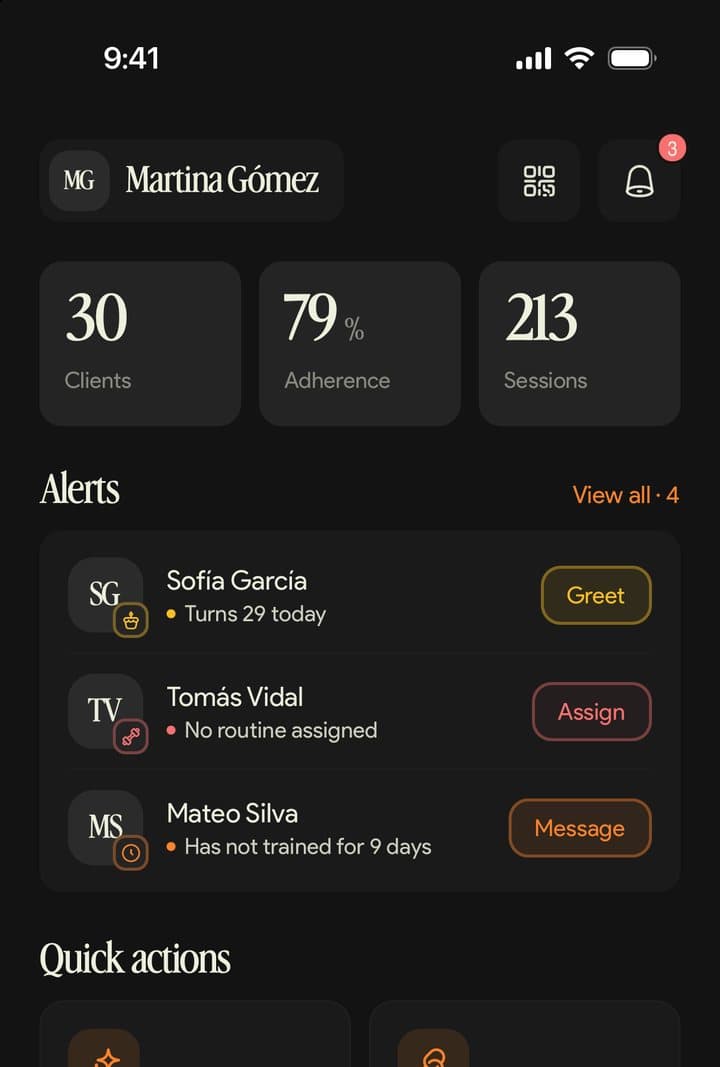
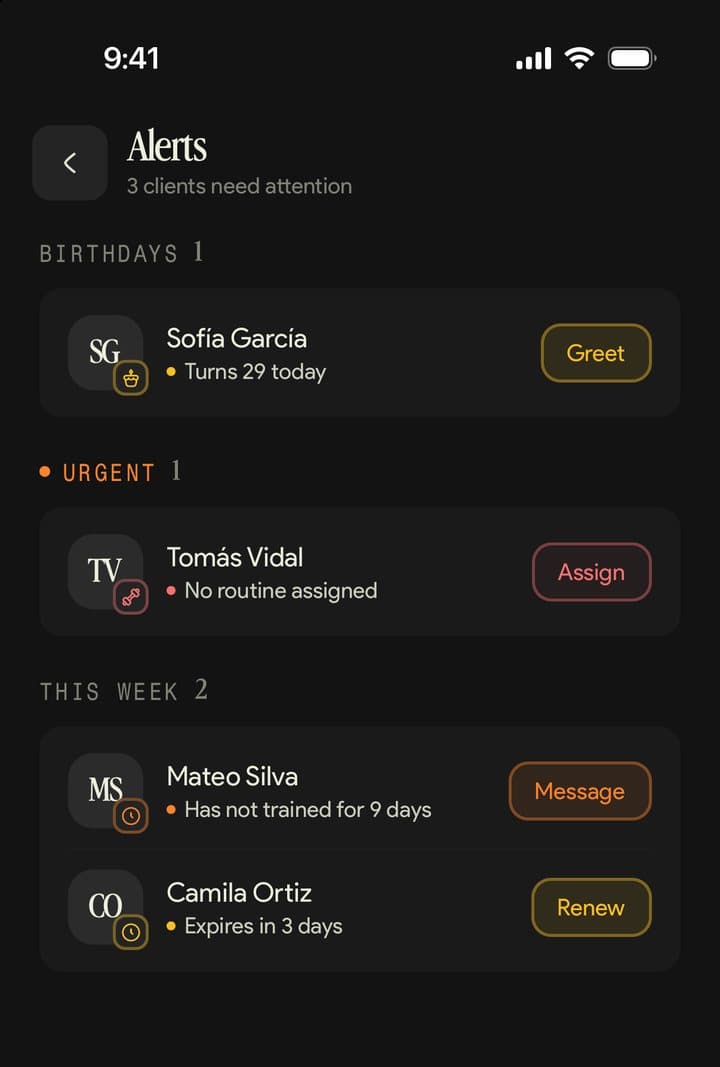
Open the app and know who needs you.
Home shows your numbers for the month and your alerts, each with its action.
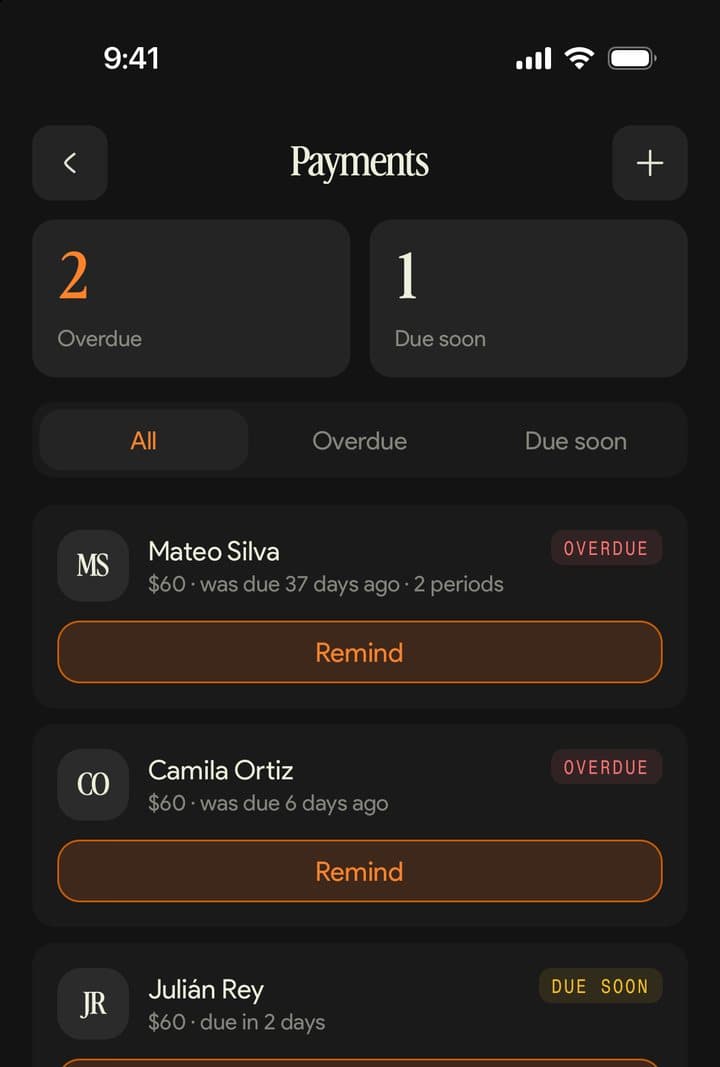
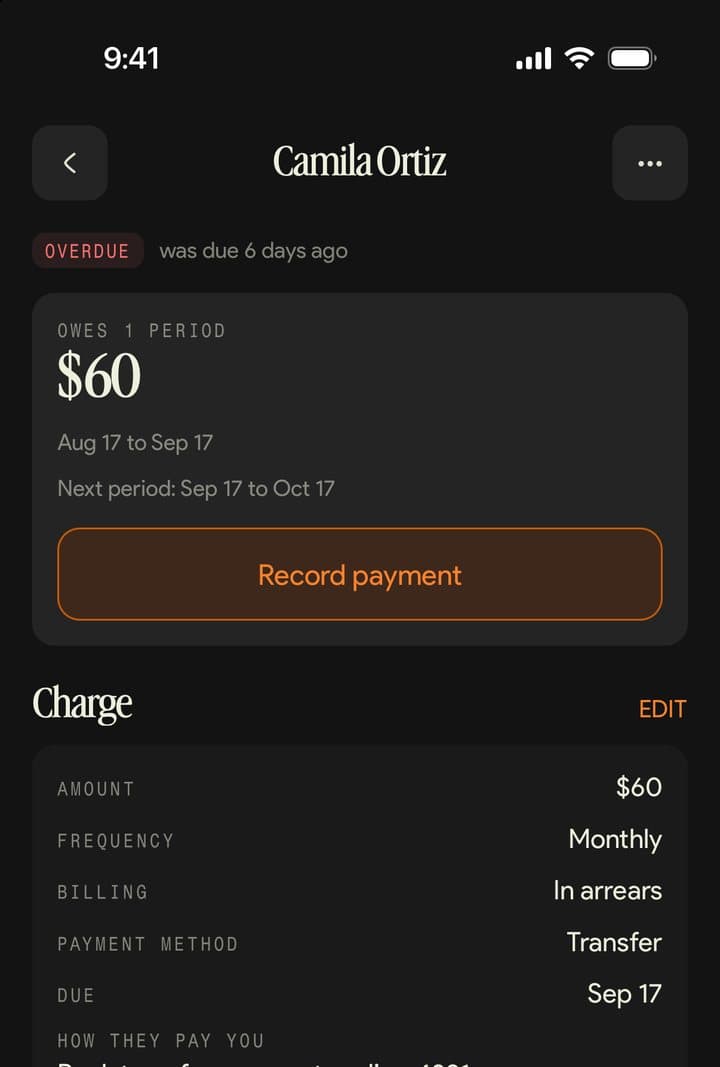
Made for the day to day.
What reaches you, what you dictate and how you set it up.
Notifications on your phone.
You get your clients' messages, their birthdays and your reminders. Finished workouts stay in the app's notifications.
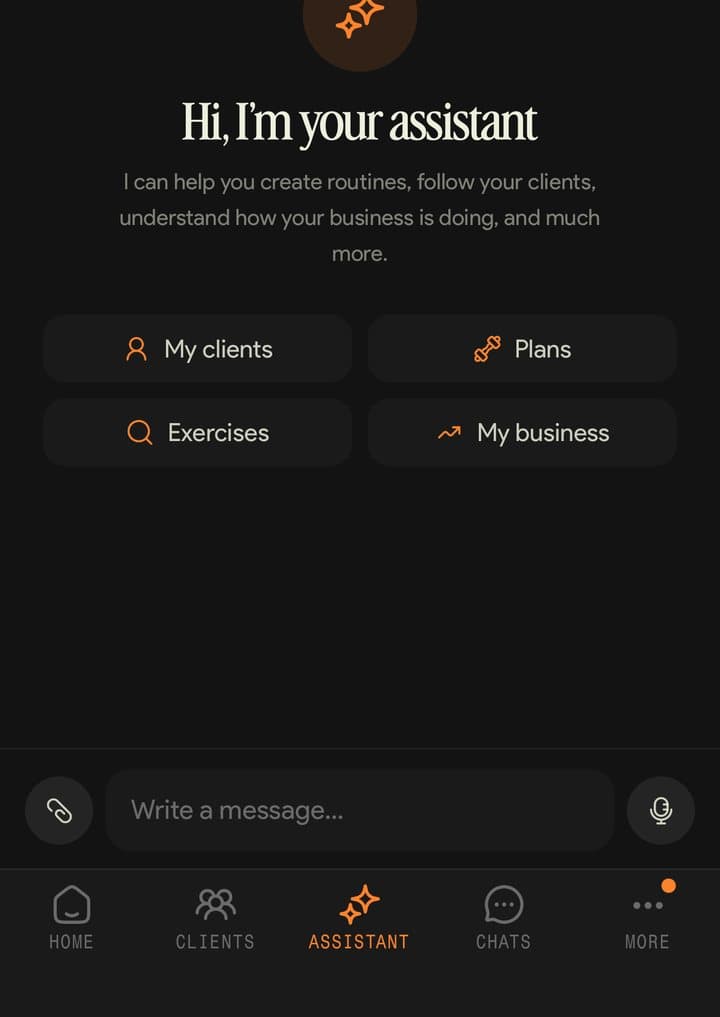
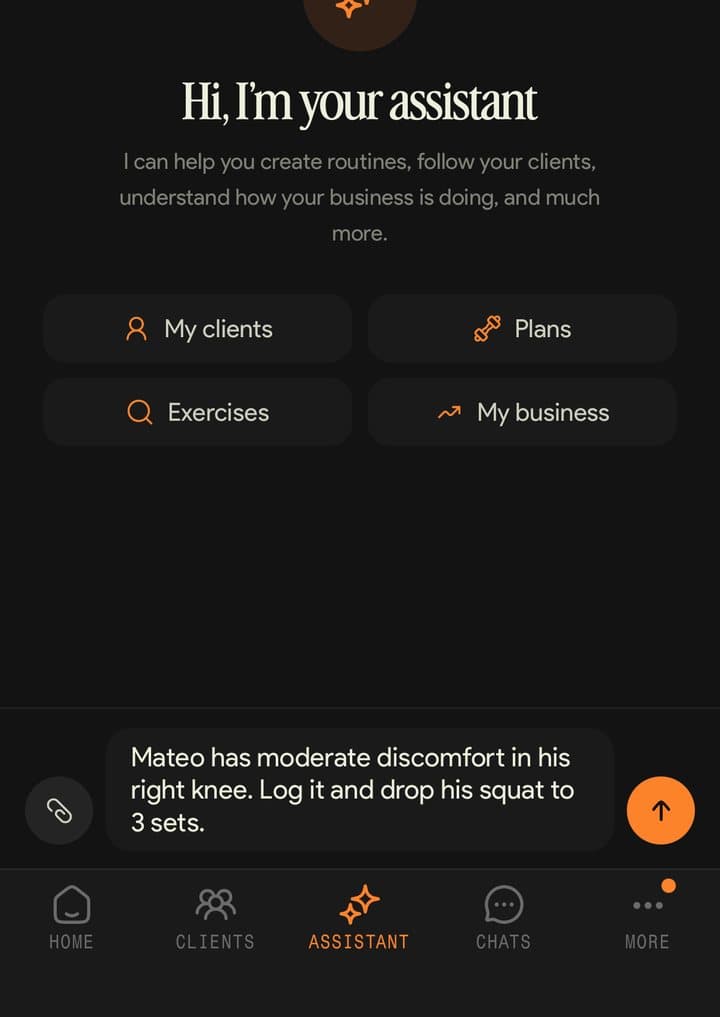
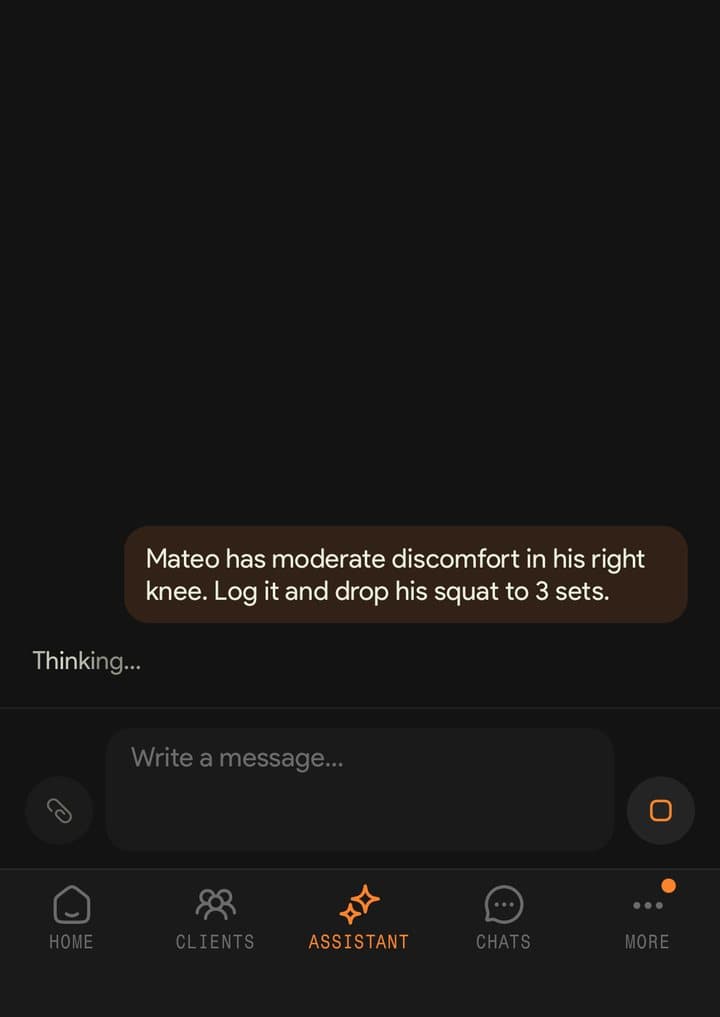
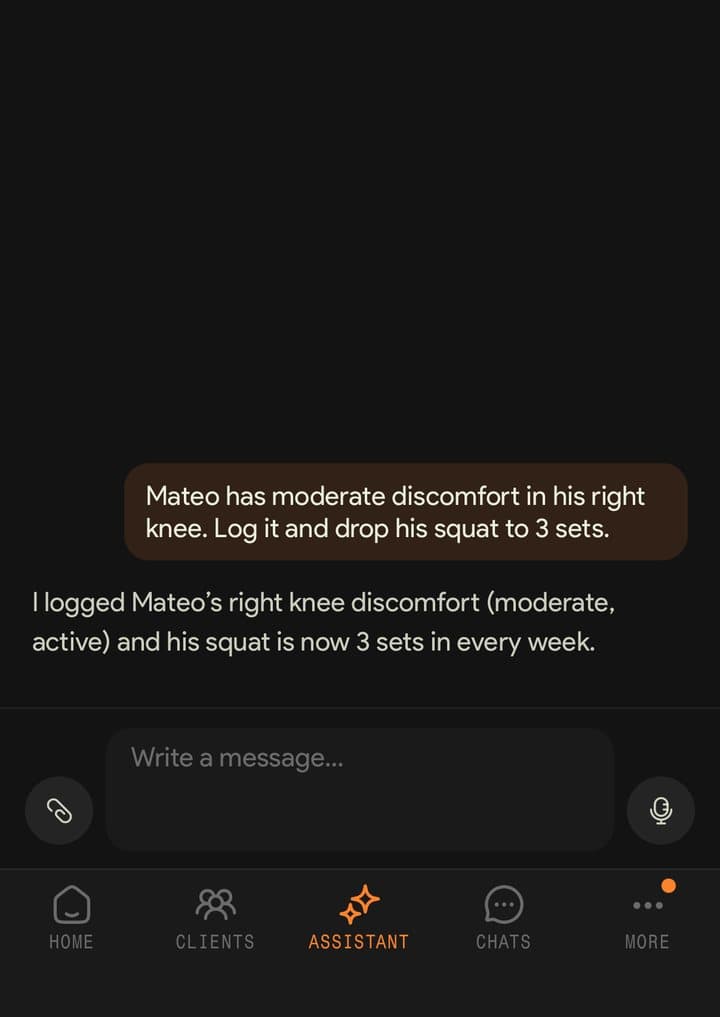
Dictate to the assistant.
Hold the mic for up to a minute, review the text and send it. The assistant logs the injury and adjusts the routine.
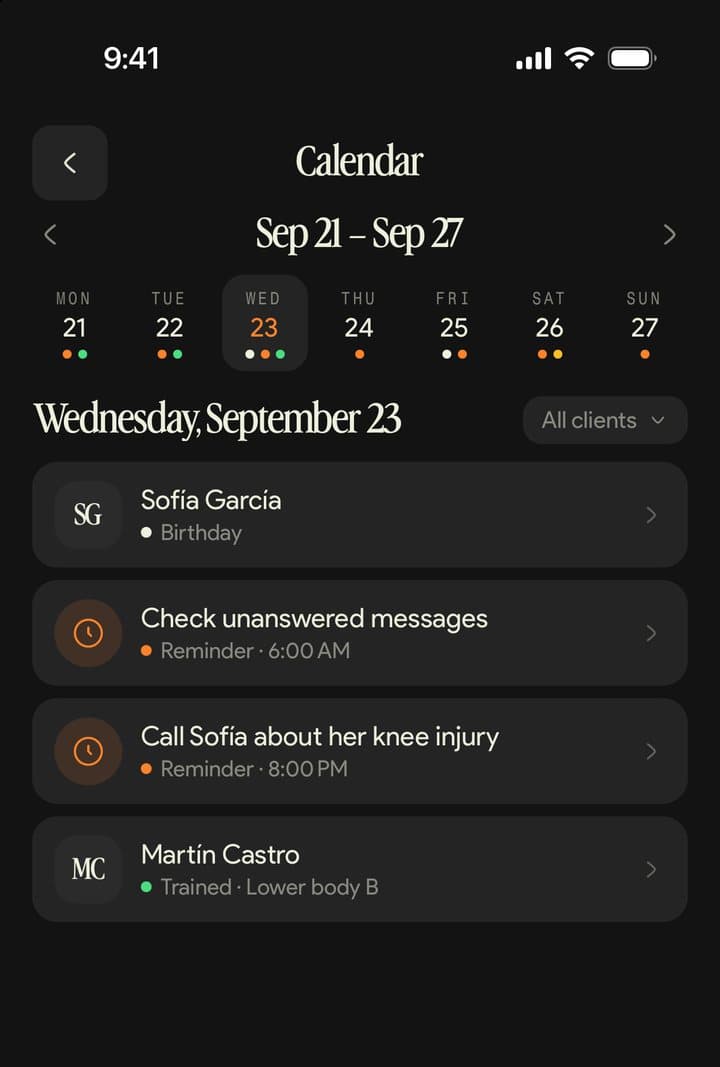
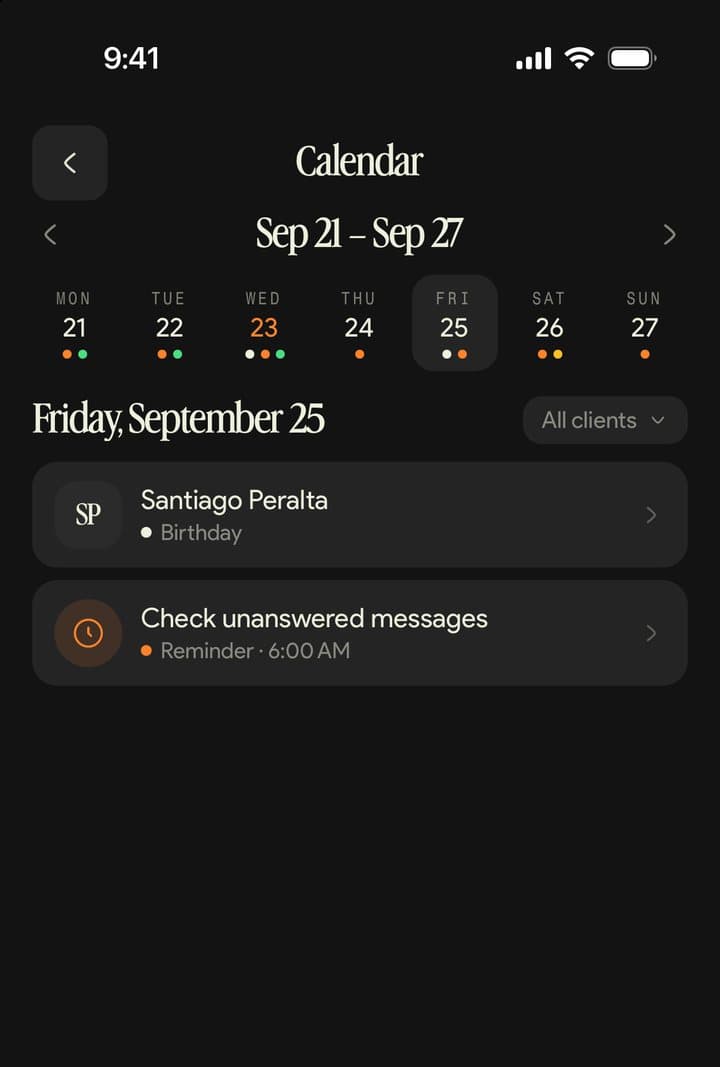
Your week in the calendar.
Workouts, routines that expire, reminders and birthdays, day by day.
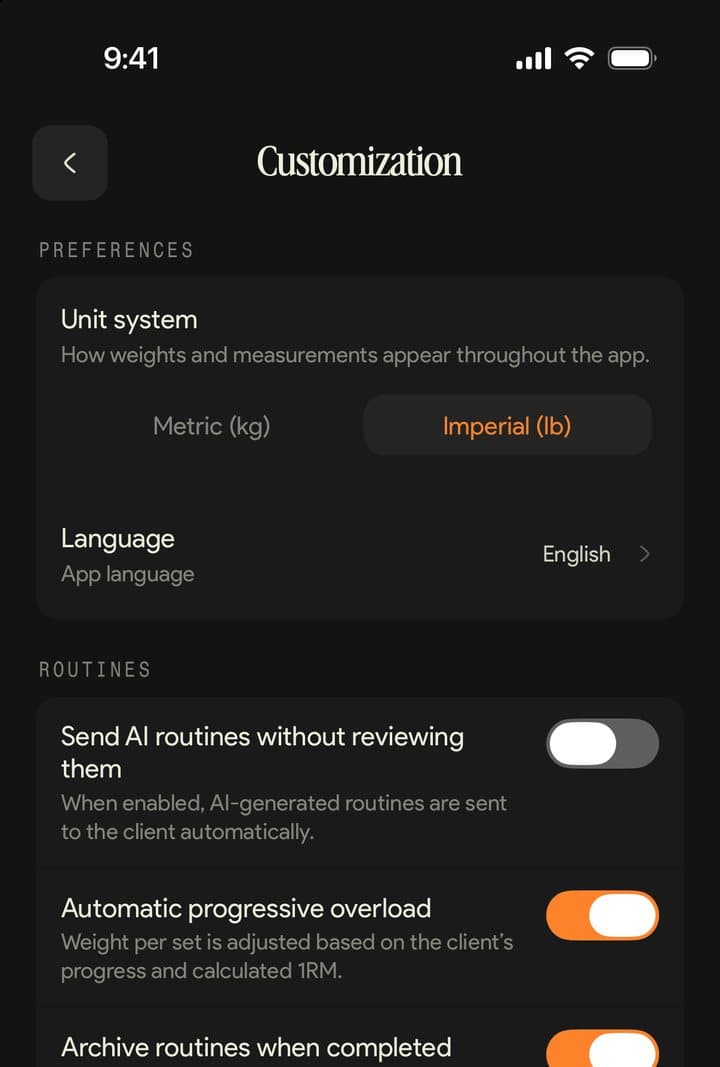
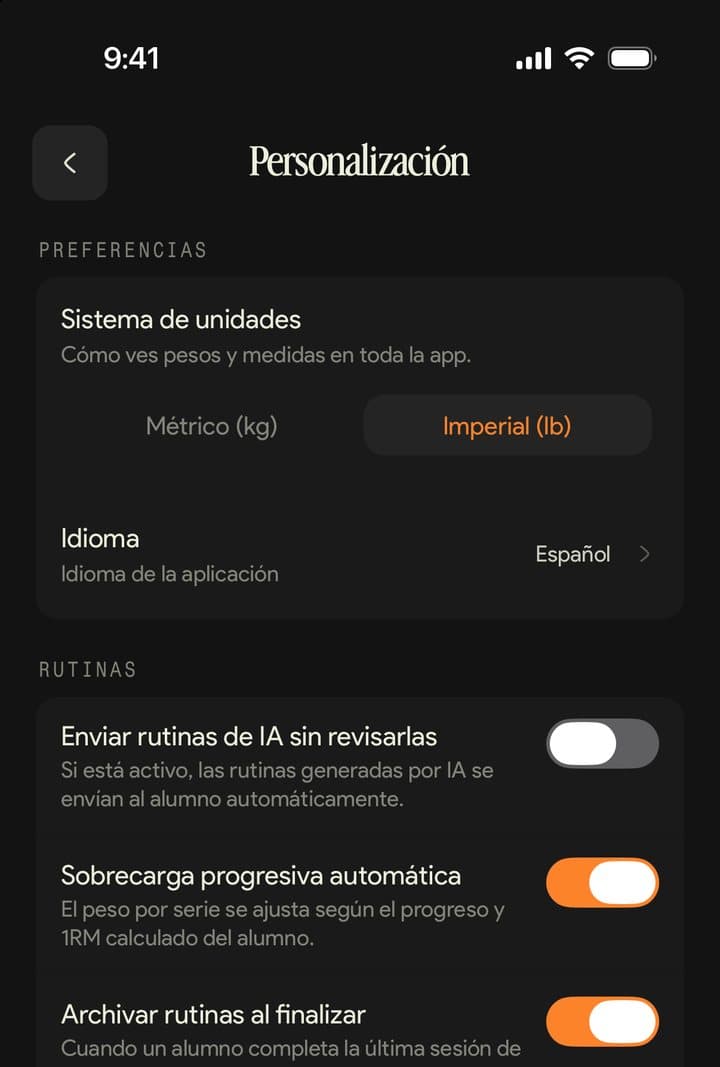
In English, Spanish and Portuguese.
Change the language in Customization and it's saved to your account.

Kaizer Coach FAQ.
Starter or above. During the 14-day trial you get everything; on the Basic plan the app doesn't open.
Yes. Sign in with your email, with Google or with Apple (on iPhone) and you see the same clients, routines and chats.
No, it works alongside it. From your phone you handle the day to day; plan changes, tags and turning payments on happen on the dashboard.
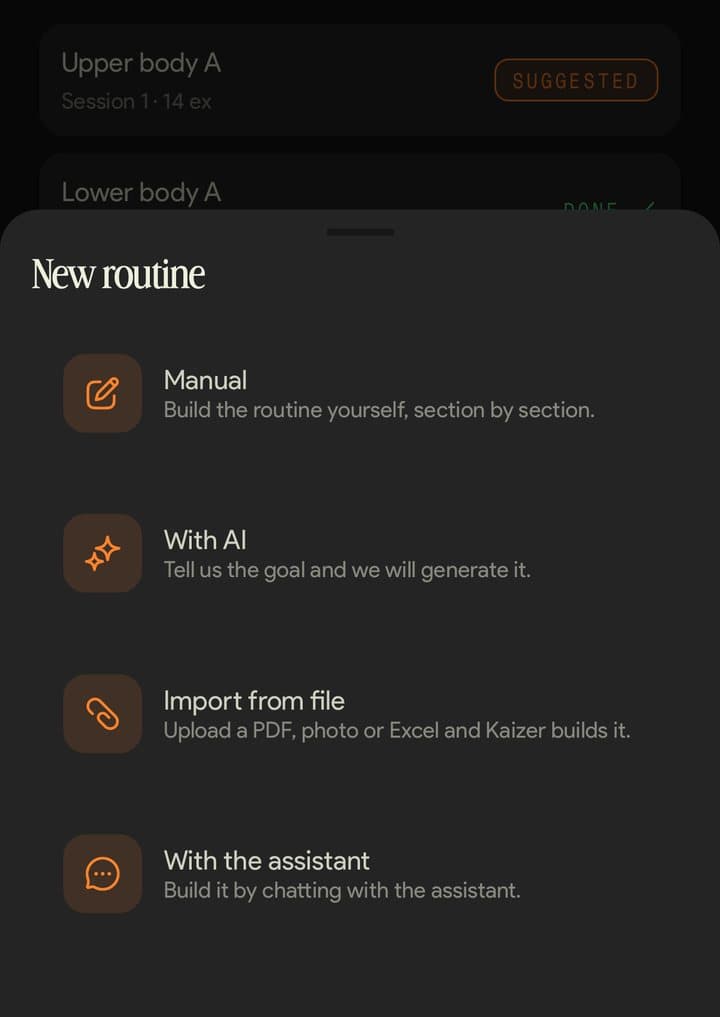
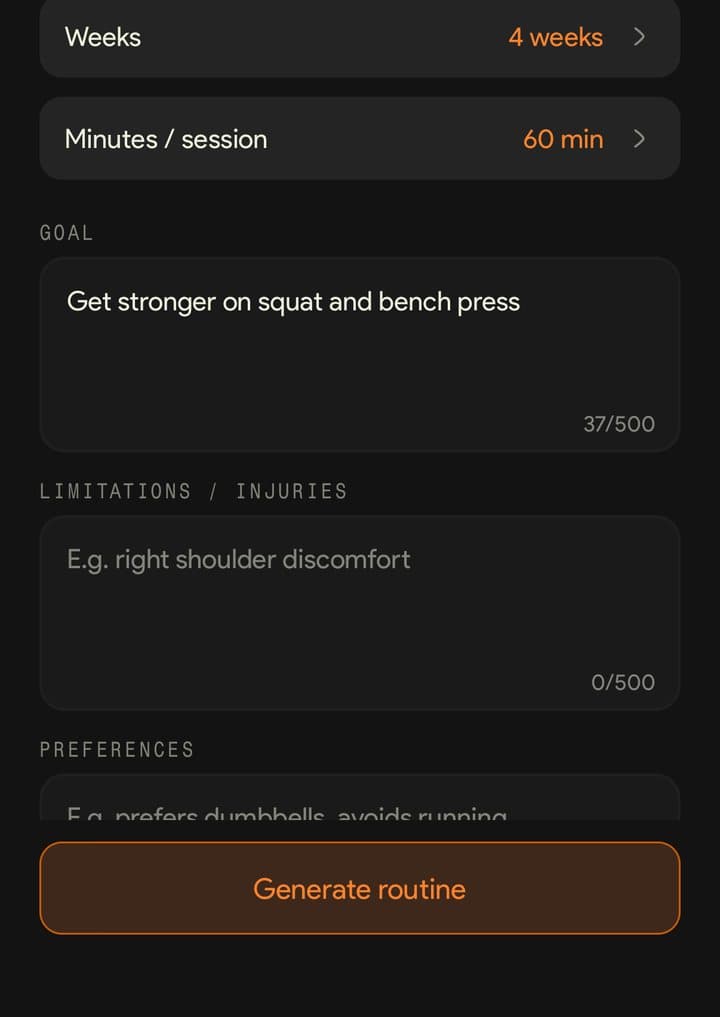
Yes: from the client's profile, pick “With AI”, enter the goal and the structure, and review it before you send it. You can also build it by hand, with the assistant or import it from a PDF, a photo or a spreadsheet.
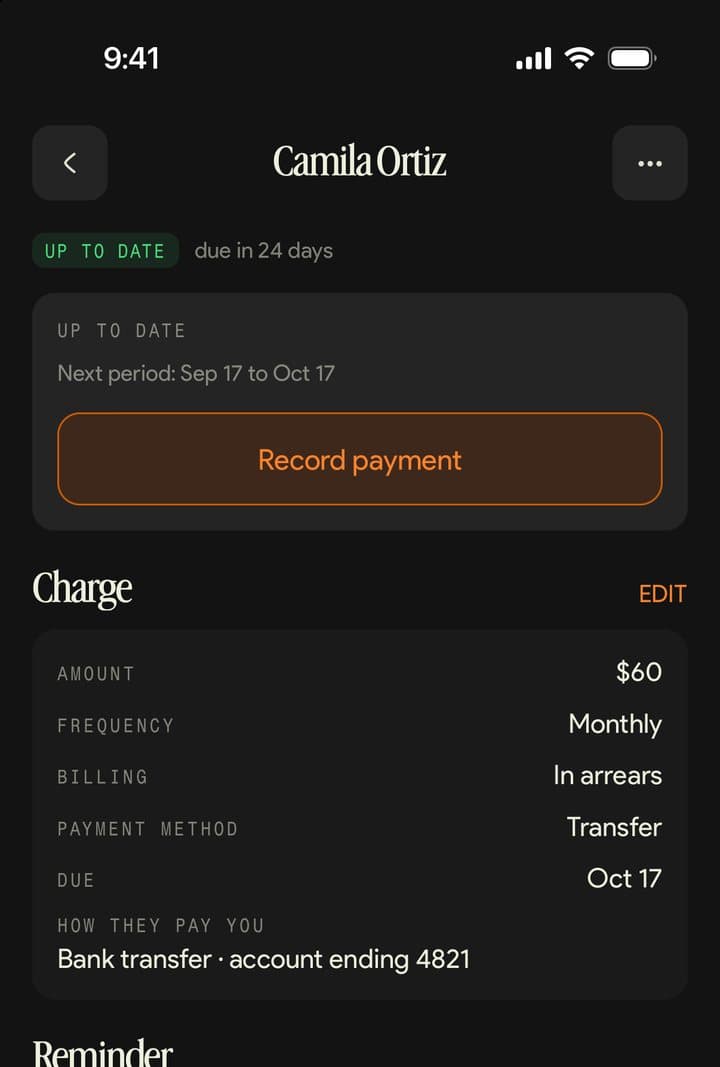
Yes: you create and edit each client's charge, pause it, record payments and send reminders. Kaizer doesn't process the money, and payments are turned on from the dashboard.
Your clients' messages, their birthdays and your reminders. Finished workouts show up in the notifications inside the app.
No, it needs internet. If you close the app in the middle of a session you're logging, it stays saved on the phone.
English, Spanish and Portuguese, on iPhone, iPad and Android. In the stores it's called Kaizer for Coaches.