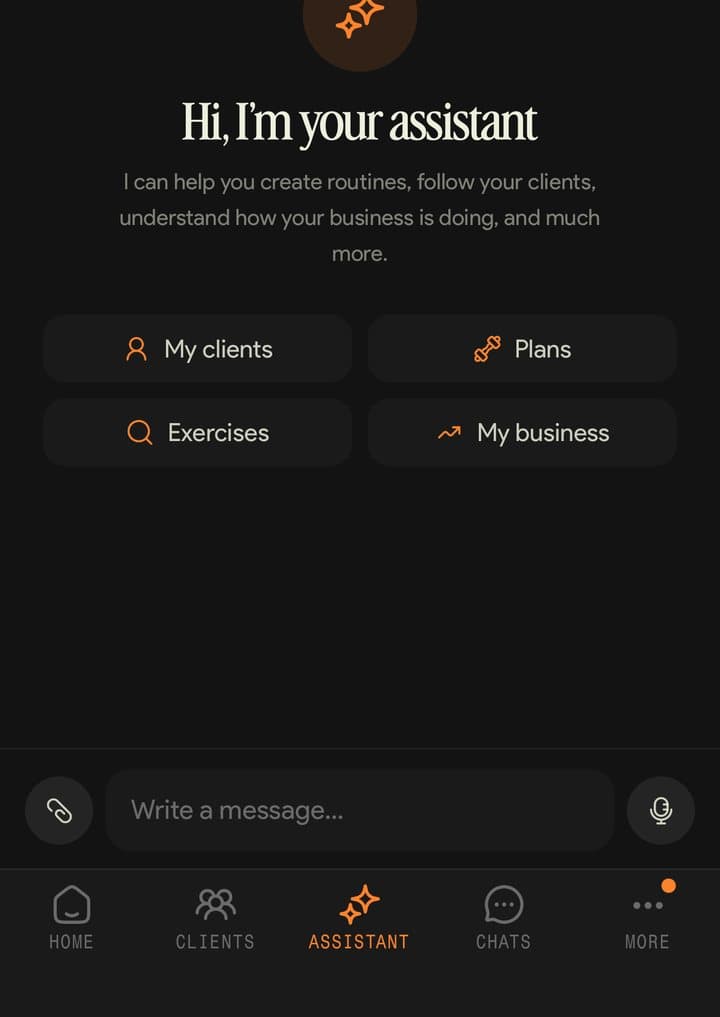
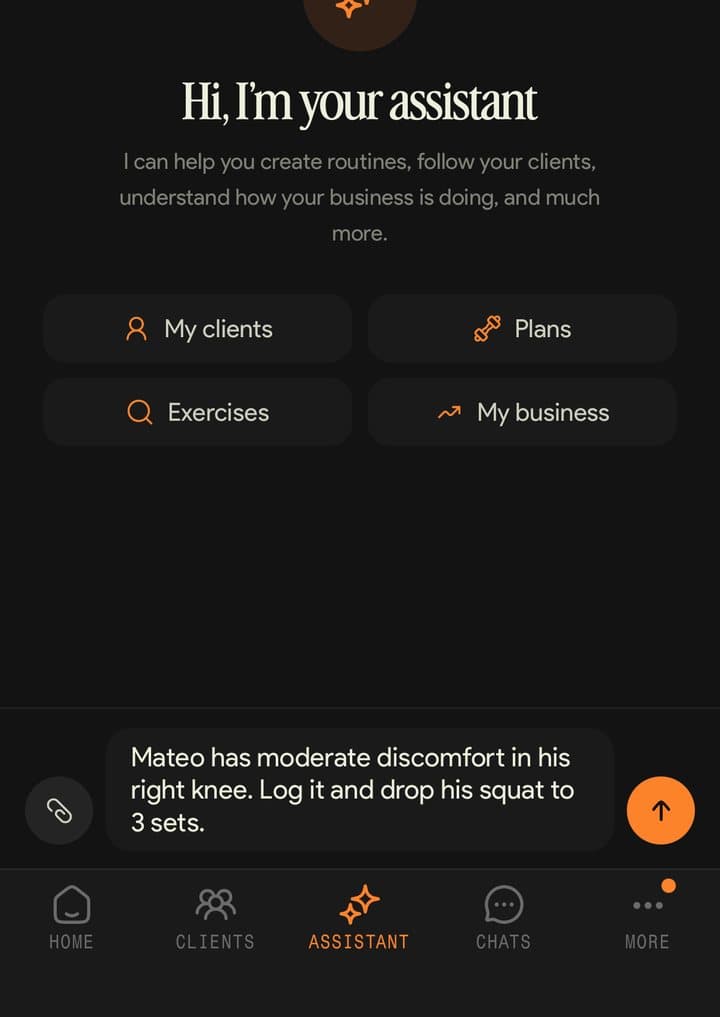
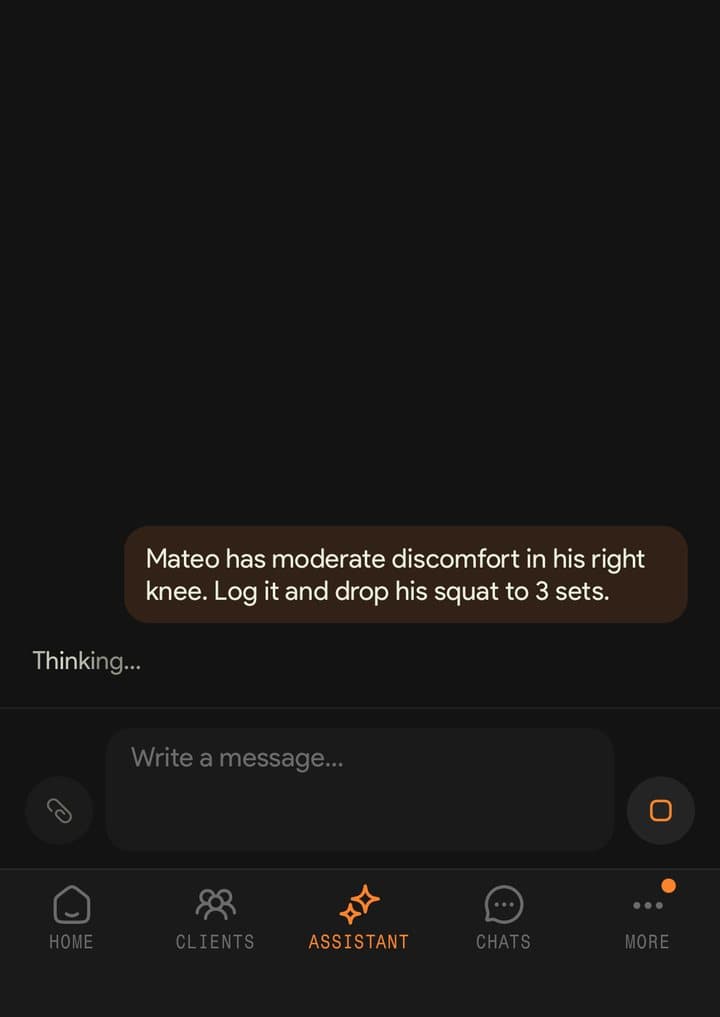
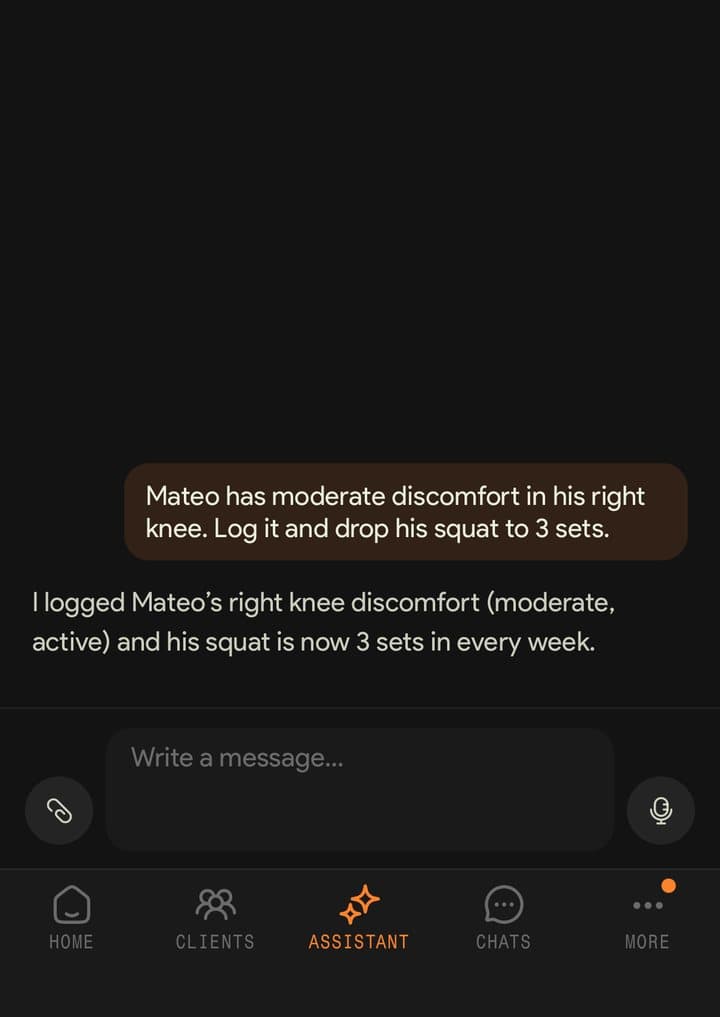
Operate your platform in your own words.

Operate your platform in your own words.

Kaizer's built-in assistant takes requests by text or voice and executes actions inside the platform. You review the result and keep the final decision.

Small tasks steal the hour you don't have.

Finding an exercise, adjusting a routine or checking who needs attention are repetitive tasks. Ask in your own words — by text or voice — and the assistant executes actions inside Kaizer and shows you the result to review.

One request, a chain of actions.

A single message can search exercises, edit the plan and answer you — all in the same turn. Here's how it works:

Assistant
Build a deload for Sofía
Who needs attention this week?
Ask the assistant…
Step 01

Ask in your own words.

Type it or record a voice note, the way you'd ask a colleague.

  • Requests by text or voice
  • Spanish, English or Portuguese
  • Natural language, with no special commands
Create new routine
ManualGenerate with AI
Sessions / week4
Duration8 weeks
Generate routine
Step 02

The assistant chains the actions.

It searches the exercises, edits the routine and answers you, without making you repeat the context.

  • It can execute related actions
  • It edits routines inside the platform
  • It can trigger full AI routine generation
Next session · Mon 09:00+2.5 kg
Bench press
Weight6062.5 kg
Sets4 × 6-8
ApplyEdit
Step 03

You watch the result apply live.

The reply streams in with each tool's status — you know what it's doing while it does it.

  • Every step visible as it runs
  • Each tool's status in your language
  • Changes land on your client's actual routine

The assistant stays in its lane: every message passes a topic check and, if the question isn't about your training work, it politely declines in your language. It's not a generic chatbot — it works for your business.

Spend less attention on repetitive tasks.

The whole platform, operated with words.

It is more than a chat that answers: it is a built-in assistant that executes actions in Kaizer across clients, routines, metrics and plans.

  • Routine editingIt adds and switches exercises, moves blocks and writes whiteboards — on your client's actual routine.
  • Metrics and attentionAsk it how your business is doing or who needs attention today: it queries your metrics and every client's status.
  • Exercise searchIt searches the library semantically: alternatives by movement, muscle or equipment.
Create new routine
ManualGenerate with AI
Sessions / week4
Duration8 weeks
Generate routine

Full generation, straight from the chat.

If you need to start from scratch, the assistant triggers full AI routine generation without leaving the conversation.

And it's trainer-only: your clients use the app to train and log; the assistant works for you.

Client · Sofía M.
Automatic progression
Bench press · next Monday+2.5 kg
4×8 @ RIR 2, two sessions in a row → 1RM 76 kg
ApplyPostpone

Everything you can ask it for.

70 actions grouped by domain, with the sentence you would use to ask. Every example maps to something the assistant actually does.

  • Routines9 actions

    Create, clone, extend weeks, archive and send the routine to the client.

    Asked like this

    • Clone Julián's routine and extend it to 6 weeks
    • Send Sofía the hypertrophy routine
  • Editing inside the routine16 actions

    Add, switch, move and reorder exercises — across every week or in a single session.

    Asked like this

    • Switch the bench press for dumbbell press across every week
    • In Tuesday's session, move the row before the press
  • Training plans7 actions

    Build a plan, assign it to a client and keep it in sync.

    Asked like this

    • Assign the strength plan to the clients starting in August
    • Sync Martín's plan with the changes I made
  • Sessions4 actions

    Create sessions and group them inside the routine, edit them or delete them.

    Asked like this

    • Add a fourth session to week 3
    • Rename Thursday's session to Lower body
  • Clients7 actions

    Look up your roster, a client's profile, everyone's training status, and leave notes or log an injury.

    Asked like this

    • Show me who has not trained this week
    • What injuries does Camila have on file?
    • Log that Julián's right knee has been bothering him since today
  • Payments3 actions

    See who owes and since when, record a payment and send a reminder. Kaizer tracks the charge — it never processes the money.

    Asked like this

    • Who owes me this month?
    • Send Martín a payment reminder
  • Calendar7 actions

    See your calendar, create and edit events, and add or remove attendees.

    Asked like this

    • What do I have on my calendar tomorrow?
    • Create an assessment event with Camila on Friday at 10am
  • Metrics4 actions

    Business metrics, per-client analytics and how one exercise is progressing.

    Asked like this

    • How is adherence looking this month?
    • Show me Julián's squat progression
  • Reminders2 actions

    Review your reminders and create one with a date, time and recurrence.

    Asked like this

    • What reminders do I have this week?
    • Remind me to review Martín's routine tomorrow at 10am
  • AI generation3 actions

    Ask the AI for a whole routine or plan, or for an edit on what already exists.

    Asked like this

    • Build a 4-week strength routine for Julián, 3 days a week
    • Bring down the upper-body volume on this routine
  • Logged workouts2 actions

    Read what the client actually logged: history and the detail of one session.

    Asked like this

    • What weight did Sofía finish the press with on Monday?
    • Show me Martín's last five sessions
  • Exercise library3 actions

    Search the library, create your own exercises and list the tags.

    Asked like this

    • Find lat exercises with a band
    • Create a new exercise: ring row
  • Lookup by name3 actions

    Find the client, routine or plan by name, so you never have to supply an id.

    Asked like this

    • Which one was Cami's cutting routine?

Questions about the assistant

What it runs, how voice works and who it's for.

It operates actions inside the platform: it can edit routines, search exercises, query metrics, show who needs attention and trigger AI routine generation.

Yes. The assistant receives requests by text or voice in natural language.

No. Every message passes a topic check: if the question isn't about your training work, the assistant politely declines in your language.

No, the assistant is trainer-only. Your clients use the app to train and log; the assistant works for you.