Kaizer improves day by day. These two sections keep you current without having to ask.
Changelog
Every release publishes what changed, split into new features, improvements and fixes. If a button shows up that wasn't there before, the explanation is here.
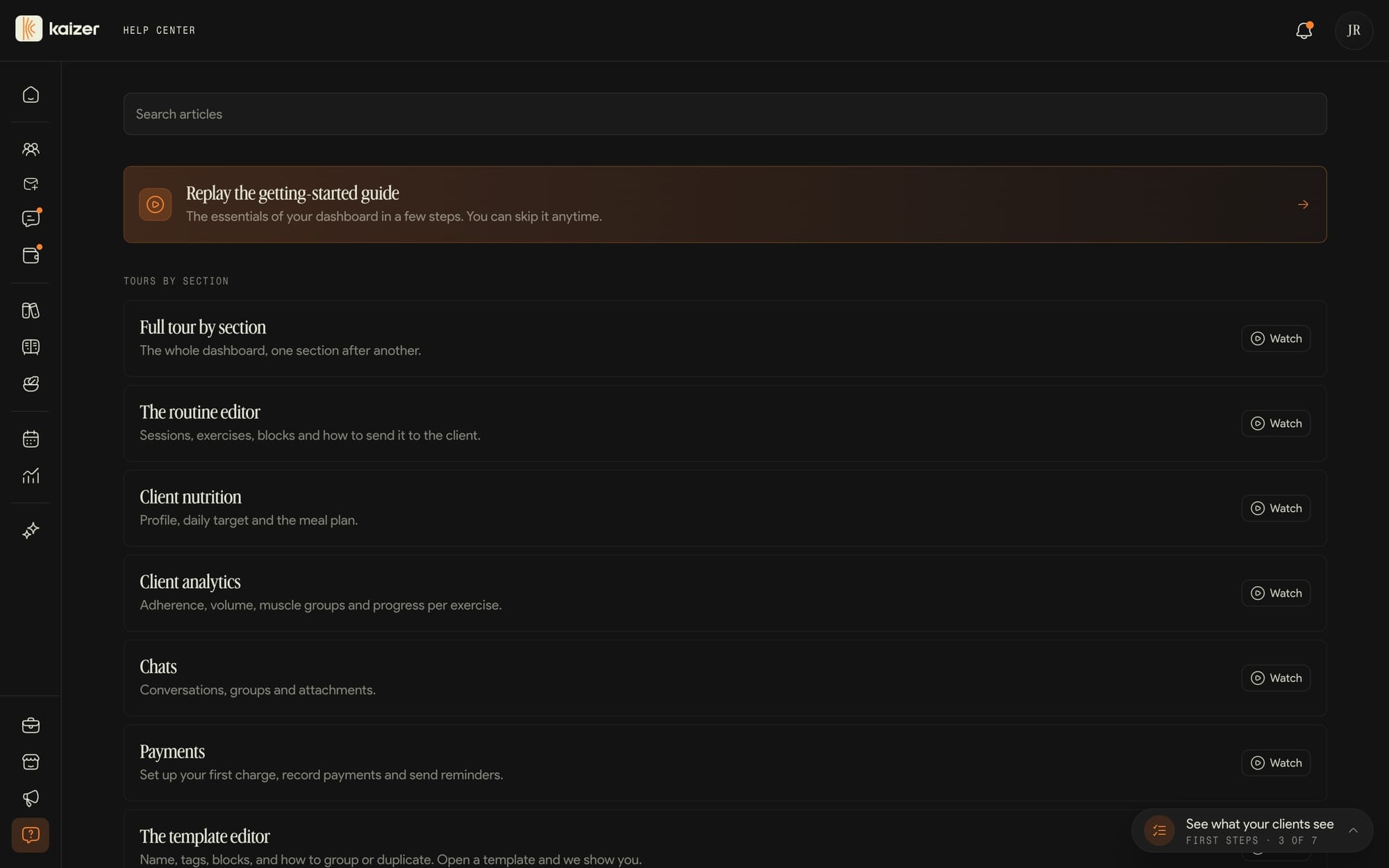
Help Center
The same articles you are reading folded into this guide, but inside the dashboard and with a search box, for when the question hits you mid-work.
A new account starts with a tour of Home, the Assistant and the menu that ends with your first routine sent to the test profile. You repeat it whenever you like from First steps or from the Help Center, which also has Restart the tour.
Kaizer improves day by day. These two sections keep you current without having to ask.
What's new
In More, What's new tells you the latest that changed in Kaizer Coach. If a button shows up that wasn't there before, the explanation is there.
Your first steps
At the start, Home shows you a card with the basics to get going: your first client, your first routine and what your client sees in their app.
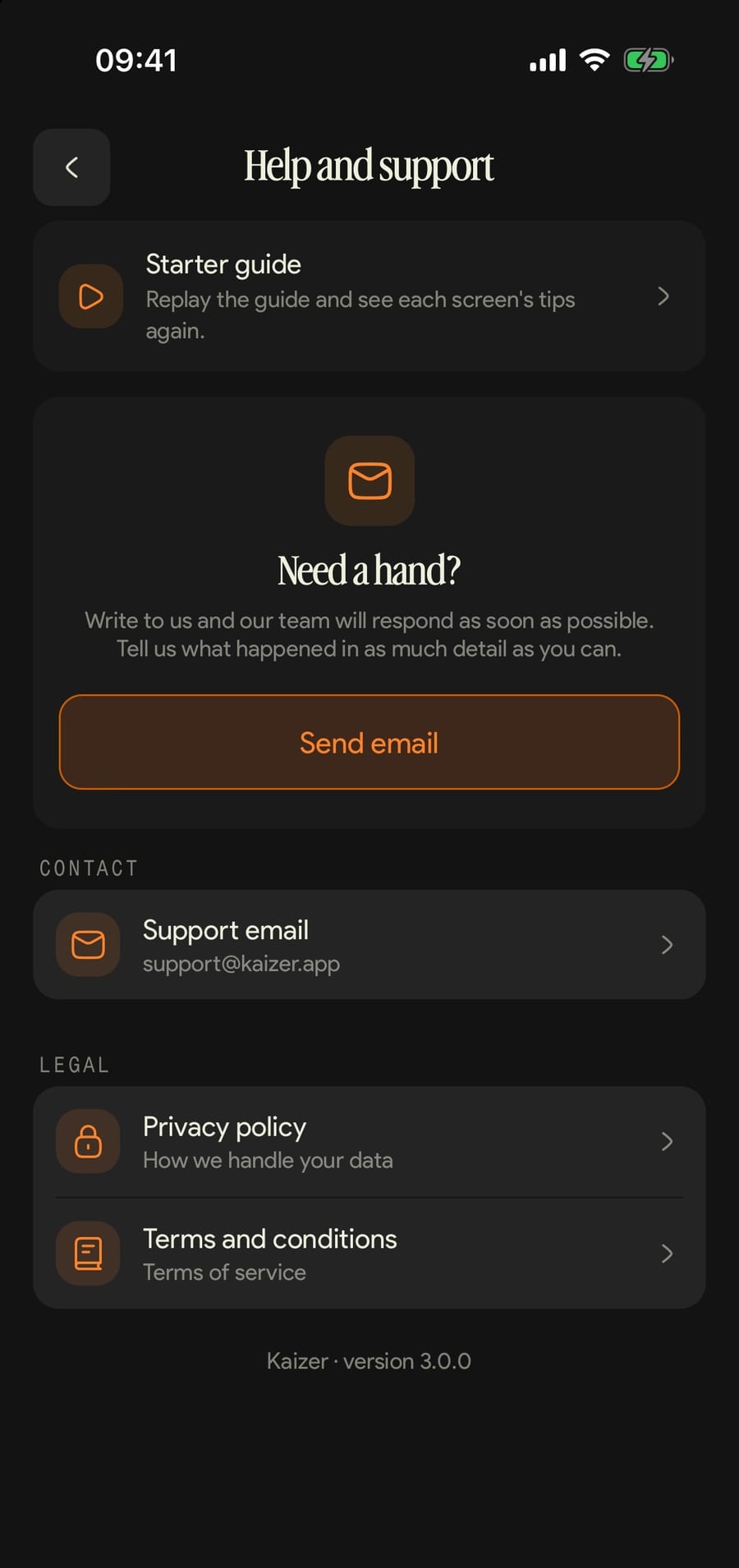
Help and support
In More, Help and support, you email us from the app and we answer as soon as we can.