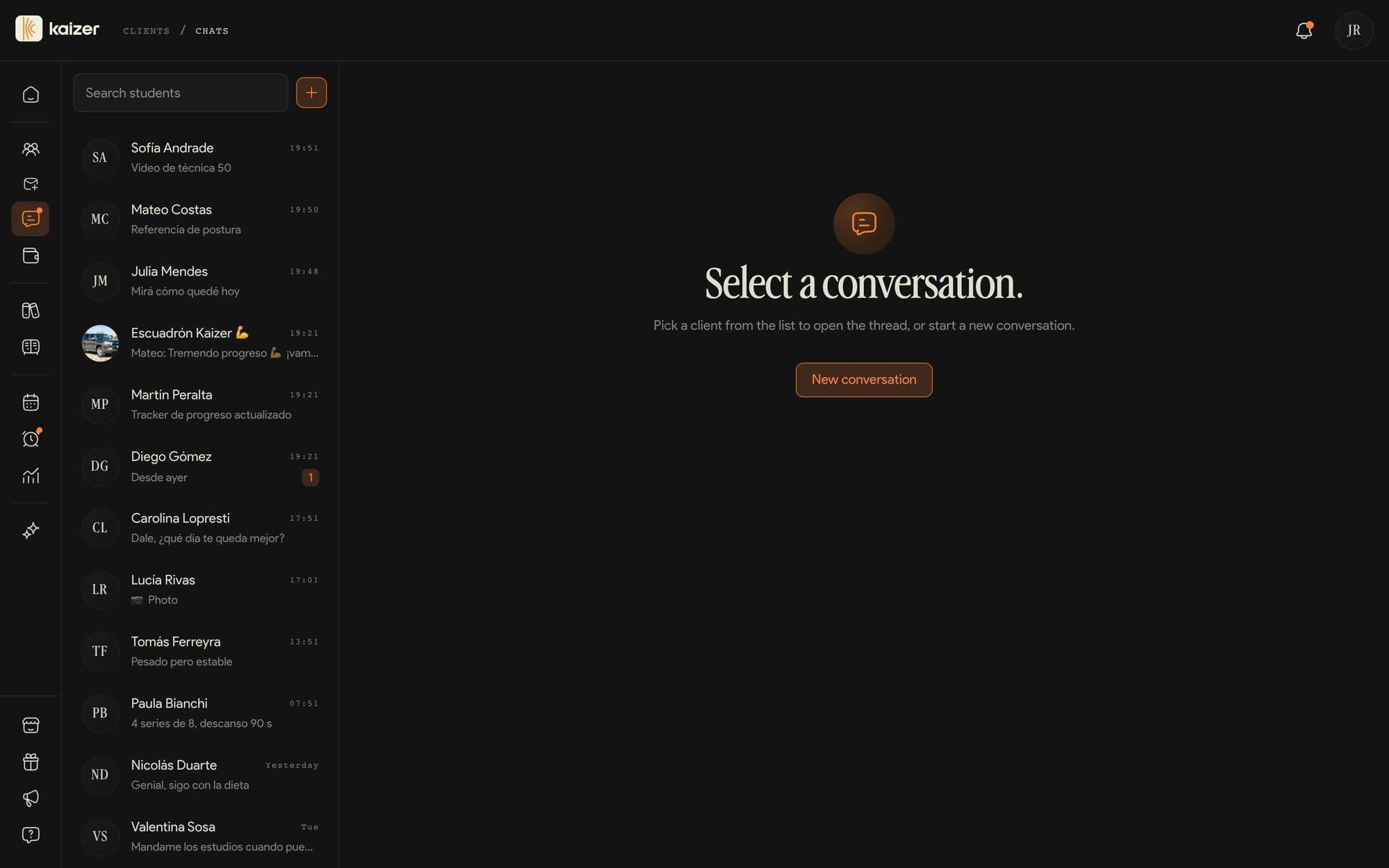
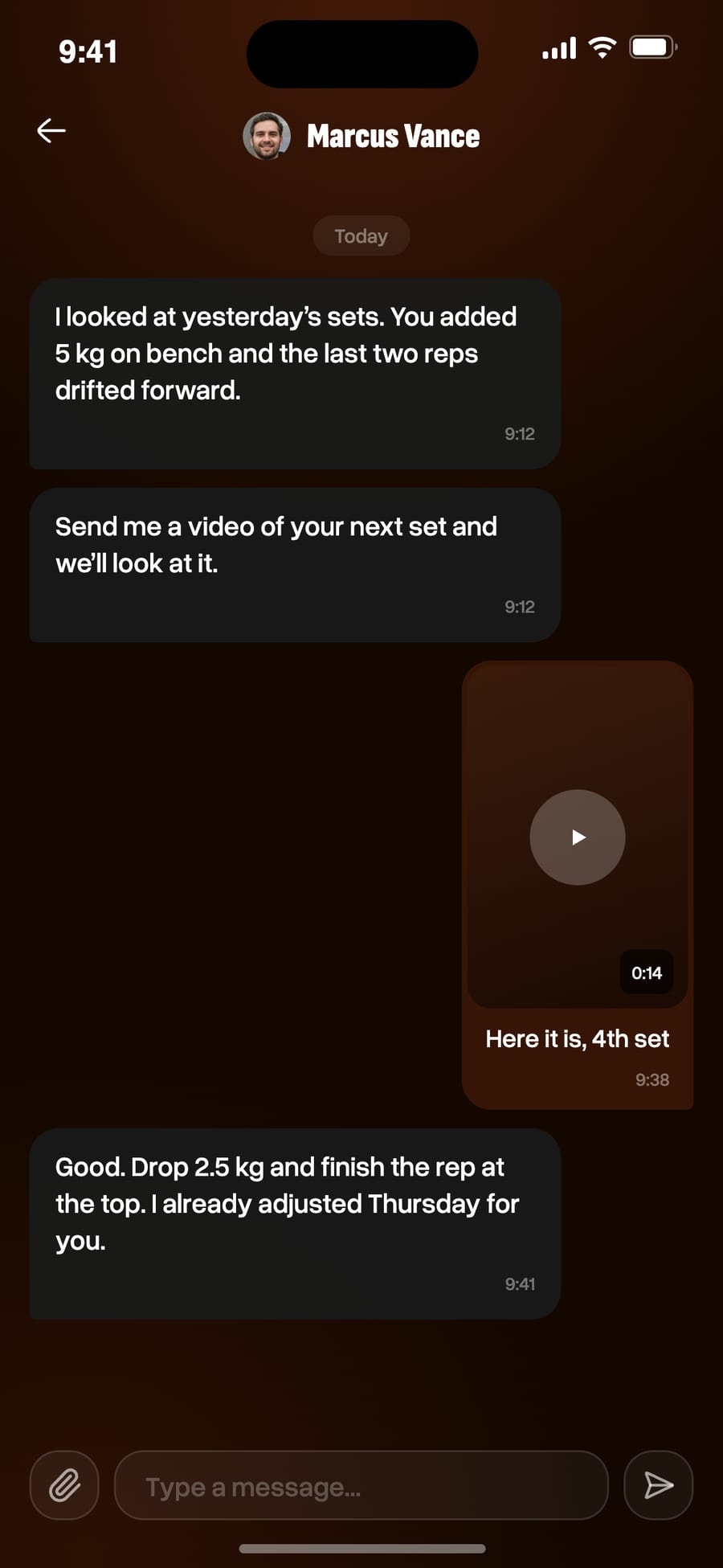
It works like the WhatsApp you already use, but inside Kaizer: one-to-one and group conversations, in real time, with photos, audio and documents.
The groups are yours only
Only your clients get in. There's no way to add another trainer or anyone outside your list.
Your client doesn't lose you among messages
What you write them doesn't compete with their personal chats, and you don't mix work into your phone either.
For now the dashboard doesn't send a system notification: you see messages instantly if you have it open, and the counter next to Chats when you come back. At the end of your list there's a chat from us, with the handy links and our support WhatsApp.
Common questions
Start a chat with a client
Go to Chat. Above the list there's a button to start a new chat: you pick a client and the conversation opens. If you already had one with that person, it takes you to the existing conversation instead of duplicating it. You can also open the chat directly from the client's profile.
Messages travel in real time, so you and your client see them instantly as long as you have the app or the dashboard open. In addition to text, you can send photos and audio messages.
Create a group chat
In Chat, the + button above the conversation list gives you two options: a chat with a single client, or Create group. The group wizard has two steps: first you pick the members (at least two of your clients), then you give it a name and, if you want, a photo. Leave the name blank and Kaizer suggests one built from the members' first names.
Only your own clients can join a group; there's no way to add another trainer or someone outside your roster. Once it's created, clicking the group's name and photo at the top of the conversation opens Group info, where you rename it, change the photo, add a description, and add or remove participants. Each participant row also lets you jump straight into a private chat with that person.
Inside a group, incoming messages show who sent them, and grey notices in the middle of the thread record when the group was created or when someone was added or removed. Everything else works like a normal chat: text, photos, documents, replies, and reactions. There's no "leave group": if you don't want it anymore, Delete group at the bottom of Group info removes it and all its messages permanently.
Messages and unread
In the chat list, each conversation with unread messages shows a counter, and the total also appears over Chat in the sidebar. The counter only goes down when you open the conversation.
One important note: for now there are no push notifications. That means you see new messages instantly if you have Kaizer open, but if you close it you won't get a system alert. When you come back, you'll see the pending messages with their counter.
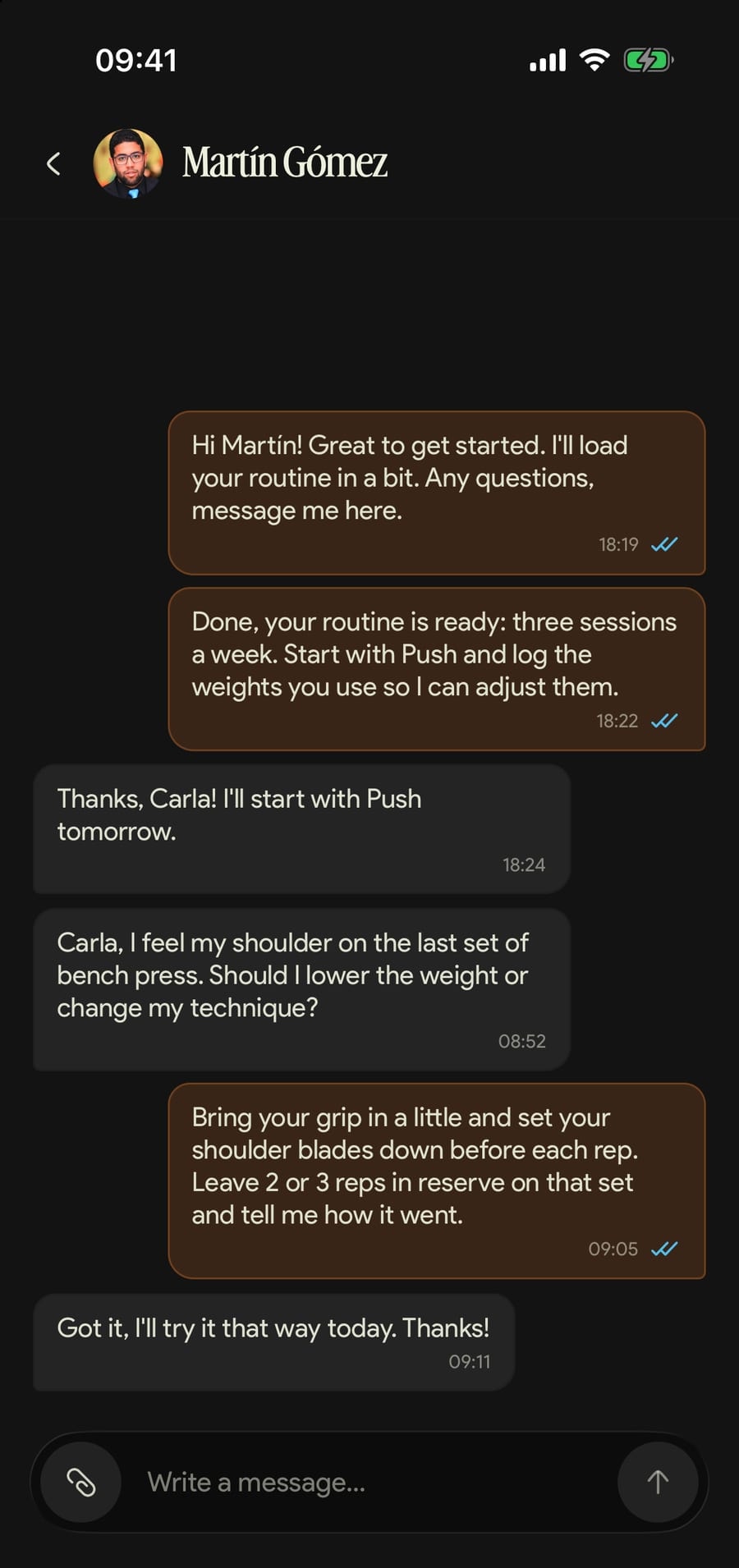
It works like the WhatsApp you already use, but inside Kaizer: one-to-one and group conversations, with photos, audio and documents.
The groups are yours only
Only your clients get in. There's no way to add another trainer or anyone outside your list.
Your client doesn't lose you among messages
What you write them doesn't compete with their personal chats, and you don't mix work into your own conversations either.
We're there too
Your chat list has one from Kaizer, with the handy links and our support WhatsApp.